
- 2026年5月5日
【2026年5月最新】楽天モバイル乗り換えキャンペーン7選|MNP14,000pt獲得ルート
2026年5月時点の楽天モバイル乗り換えキャンペーンを比較。MNPで14,000ポイントを狙える従業……
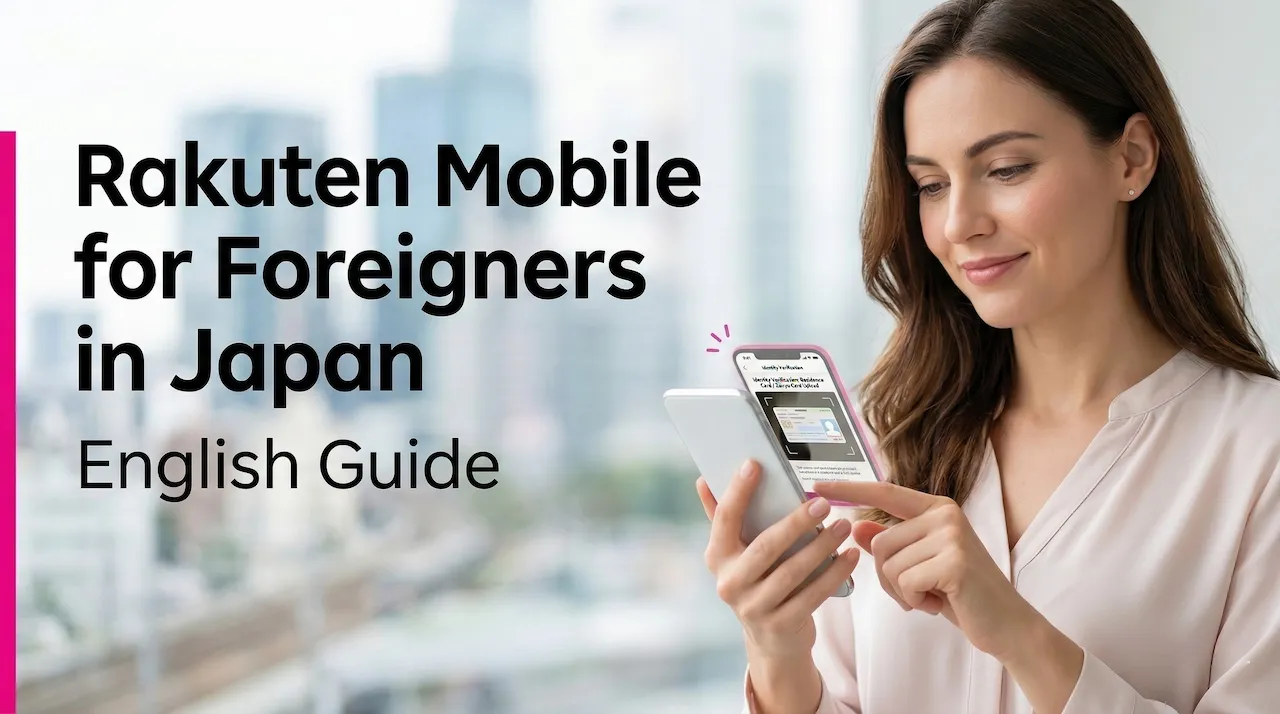
The Rakuten Mobile employee referral is an official Rakuten Mobile campaign for people who apply through a referral link shared by a Rakuten Group employee. Foreign residents in Japan can use it under the same conditions as everyone else.
If you apply for a smartphone line (Rakuten SAIKYO Plan or Rakuten SAIKYO U-NEXT) and meet the conditions, you receive 14,000 Rakuten Points if you switch from another carrier and keep your number (MNP), or 13,000 points if you apply any other way, such as with a new number. Returning customers and additional lines qualify too, and the amount is decided the same way: 14,000 for MNP, 13,000 otherwise.
The step that matters most comes first: open the employee referral link and log in with your Rakuten ID before you apply. That login registers you for the campaign, but it does not complete your application and does not guarantee the points on its own.
This is a personal, unofficial guide written by a Rakuten Group employee. The campaign is run by Rakuten Mobile, and Rakuten Mobile’s official Japanese campaign rules always take priority.
| Run by | Rakuten Mobile (official campaign) |
|---|---|
| Campaign code | 2162 — an ID for the campaign, not a code you type in |
| Eligible smartphone plans | Rakuten SAIKYO Plan, Rakuten SAIKYO U-NEXT |
| Points (smartphone) | 14,000 for MNP / 13,000 for other applications |
| Points (Rakuten Turbo) | 7,000, once per person, with different conditions |
| Who can use it | New, returning and additional-line customers (up to 5 smartphone lines per person) |
| Deadline | 23:59 on the last day of the second month after the month you log in through the referral link |
| How points arrive | In 3 installments, as limited-time points |
The Rakuten SAIKYO Plan (Data Type) is also listed as eligible, but Rakuten Mobile has paused new applications for it since March 5, 2026.
The amount depends only on how you apply, not on your nationality or whether you have used Rakuten Mobile before.
The same rule applies if you are rejoining Rakuten Mobile or adding another line: moving a number from another carrier earns 14,000 points, and a new number earns 13,000.
These amounts apply to applications made on or after September 17, 2026, 00:00. The points are not paid in one go. They arrive in three installments, counted from the month you logged in through the referral link — not the month you applied.
| When (after your referral login month) | MNP | Other applications |
|---|---|---|
| 1st: around the end of the 4th month | 5,000 pt | 5,000 pt |
| 2nd: around the end of the 5th month | 5,000 pt | 4,000 pt |
| 3rd: around the end of the 6th month | 4,000 pt | 4,000 pt |
| Total | 14,000 pt | 13,000 pt |
For example, if you log in through the referral link in December, the points arrive around the end of April, May and June the following year. They are limited-time points, valid for six months including the day they are credited, so check the expiry date each time you receive them.
Rakuten Turbo pays 7,000 points over the same three months (2,000 / 2,000 / 3,000). Applications other than MNP made between September 1, 2025, 00:00 and September 16, 2026, 23:59 fall under the previous amount of 11,000 points. If your points have not arrived when expected, our points troubleshooting guide (in Japanese) lists what to check.
There is no separate version of the campaign for foreign residents. If you live in Japan and can pass Rakuten Mobile’s identity verification, the points and conditions are the same as for any other applicant.
Follow these steps in order, using the same Rakuten ID throughout. If the ID you log in with and the ID on your application differ, the referral may not be applied.
Logging in is not applying. The referral login only links you to the campaign. You still need to apply, activate your line and make the Rakuten Link call before the deadline.
Deadline: applying, activating and making the Rakuten Link call must all be done by 23:59 on the last day of the second month after the month of your referral login. For example, if you log in during October, the deadline is 23:59 on December 31. This is separate from when the campaign itself ends.
For a screen-by-screen walkthrough, see our full application guide (in Japanese).
Opens the campaign page, where you log in with your Rakuten ID. Logging in starts your deadline, so open it when you are ready to apply and activate your line in Japan. The points and conditions shown after you log in are Rakuten Mobile’s.
Your deadline starts from the month of your referral login, so logging in too early can leave you short of time. Rakuten Mobile accepts applications from outside Japan but recommends applying from within Japan. More importantly, the first activation must be done in Japan for both SIM cards and eSIMs, and SIM cards, devices and start guides must also be received in Japan — Rakuten Mobile does not ship SIM cards overseas.
In practice, open the referral link once you are in Japan, or at least once you are sure you can apply, activate and make the Rakuten Link call before the deadline. If you plan to bring a phone from abroad, check it first with our overseas phone compatibility guide on mobile-start.jp. Rakuten Mobile’s own answer on applying from overseas is available in Japanese.
The employee referral can only be combined with the campaigns listed as combinable in Rakuten Mobile’s official rules. Rakuten Mobile’s rules state that if you log in through an employee referral link first, the standard Rakuten Mobile referral campaign (campaign code 1784) will not be applied. If you are comparing offers, choose one before you open any referral link.
Having used a different Rakuten Mobile campaign in the past does not disqualify you. What matters is whether a non-combinable campaign is applied to the new line. If you want to use a device offer at the same time, check the campaign name and code against the combinable list on the official campaign page (in Japanese). Our referral campaign comparison (in Japanese) sets the options side by side.
Most foreign residents verify their identity with a Residence Card or a Special Permanent Resident Certificate with a photo. The points below affect whether you can finish the application online or should go to a shop. For the full list of documents and a walkthrough, see our ID requirements guide on mobile-start.jp and Rakuten Mobile’s official English ID verification page.
For payment options, see our payment methods guide on mobile-start.jp.
Can foreign residents use the Rakuten Mobile employee referral?
Yes. If you live in Japan and can complete Rakuten Mobile’s identity verification, the points and conditions are the same regardless of nationality.
Do I need to enter the code 2162?
No. 2162 identifies the campaign; it is not a referral code you type in. What registers you is logging in with your Rakuten ID through the employee referral link. Quote 2162 if you contact Rakuten Mobile about the campaign.
I applied before logging in through the referral link. Can I still get the points?
Possibly. Rakuten Mobile’s rules accept a referral login made within seven days of the application date, counting the application day. After that, the referral no longer applies to that application.
I used Rakuten Mobile before. Am I still eligible?
Yes, if the newly applied line meets the conditions. Returning customers and additional lines receive 13,000 points, or 14,000 if the new line is an MNP transfer, up to five smartphone lines per person.
When will I receive the points?
In three installments, around the end of the 4th, 5th and 6th months after the month of your referral login. They are limited-time points valid for six months from the day each installment is credited.
Can I open the referral link before I arrive in Japan?
You can, but it starts your deadline. Because the first activation and receiving your SIM must happen in Japan, it is safer to log in once you are in Japan and ready to apply.
Can I apply using a commonly used name?
Not online — online applications must use the name on your Residence Card or Special Permanent Resident Certificate. A Rakuten Mobile shop may accept a commonly used name only if specific conditions are met, so ask the shop staff.
Do I need the my Rakuten Mobile app?
No. Its features were merged into the Rakuten Link app on July 30, 2026, and the standalone app ended on August 5, 2026. You use Rakuten Link for both the required call and managing your line.
This guide is also available in the languages below, and in simple Japanese.
After logging in, check the points and conditions Rakuten Mobile shows on screen before you apply. Logging in alone does not complete your application.
The employee referral campaign is operated by Rakuten Mobile, Inc. This page is a personal, unofficial guide written by a Rakuten Group employee and is not Rakuten Mobile’s official website. It includes the author’s employee referral link. Rakuten Mobile’s services are provided in Japan under Japanese law. If anything here differs from Rakuten Mobile’s official Japanese pages, the official Japanese version applies.
Sources (checked September 26, 2026): official employee referral campaign rules (Japanese; the page states its information is as of September 17, 2026), ID documents, common ID verification issues, updating the IC chip address, commonly used names, applying from overseas and the my Rakuten Mobile app merger. The campaign may change or end without notice.
楽天モバイル従業員紹介キャンペーン
乗り換え(MNP)14,000pt/乗り換え以外 13,000pt
スマホ回線(Rakuten最強プラン・Rakuten最強U-NEXT)の申し込みが対象
紹介リンクからログインして条件を確認する
楽天IDでログインすると紹介ログインが完了します
ログインだけでは申し込み完了になりません
Wi-Fiルーターを同時購入する申し込みは対象外です
楽天モバイルの最新情報を見逃さないために
Googleで当サイトを優先ソースに追加すると、楽天モバイルに関する最新記事がGoogle検索やAIによる概要などで見つけやすくなります。
登録は無料で、Googleの設定からいつでも解除できます。
2026年5月時点の楽天モバイル乗り換えキャンペーンを比較。MNPで14,000ポイントを狙える従業……
広告運用やSMS認証のために電話番号を分けたい方へ。楽天モバイルなら個人でも追加回線を持ちやすく、2……
楽天モバイルやRakuten Linkでパスキーにログインできない原因を症状別に解説。「利用可能なパ……